Diagnose Feature Adoption Drop-Off Before You Commit the Next Sprint
A feature ships and adoption stalls. Opens, clicks, and drop-off show where behavior changed, but they may leave several explanations unresolved. The team must decide whether to change the interface, reposition the feature, investigate further, or stop investing. Scope research around the evidence needed for that sprint decision; an unsupported explanation can send engineering toward the wrong fix.
Why post-launch diagnosis is harder than pre-launch research
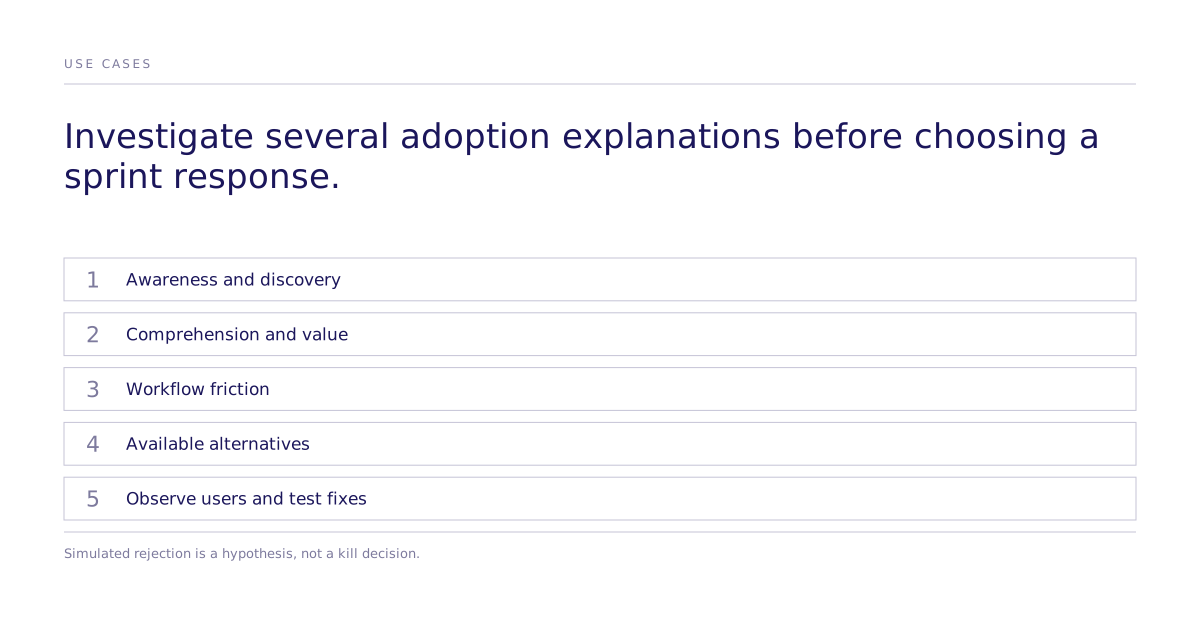
Post-launch drop-off can reflect discovery, comprehension, workflow friction, competing alternatives, or weak value. Combine analytics with direct user research and assigned tests where appropriate. Recruitment and analysis depend on the actual users, access, measurement, and decision risk.
How can teams narrow hypotheses before choosing a fix?
A simulated comparison can organize hypotheses when its audience and task are relevant. It cannot observe actual product use. Combine generated questions with these four checks using direct user and usage evidence:
- Discovery check. Observe whether real users notice and locate the feature without prompting. A simulated guess about an unseen menu cannot diagnose discovery failure. Nielsen Norman Group distinguishes generated responses from real-user research.
- Value proposition check. Ask actual users to explain the feature and its benefit. Hesitation can suggest a comprehension, presentation, or value hypothesis. A generated reaction may also reflect model error; verify the explanation before concluding that the segment lacks a need.
- Workflow friction check. Observe users attempting the relevant task and compare the points of difficulty with analytics. Ask follow-up questions about the problem. Generated explanations can suggest what to investigate, but they do not show where an actual user struggled.
- Competitive context check. Ask users how they currently solve the problem and inspect the alternatives available to them. A modeled response can propose a workaround hypothesis; direct evidence is needed before treating it as an established habit.
Failure patterns worth checking for first
Four candidate explanations can help organize the investigation:
| Pattern | Evidence to inspect | Change to test |
|---|---|---|
| Buried feature | Users never found it | Surface it in the primary workflow |
| Jargon barrier | Feature name or description uses internal terminology | Rename it using the segment's own words |
| Empty-state problem | Feature needs setup or data before it's useful, and users bounce first | Add sample data or a guided setup flow |
| Good-enough competitor | Users already have a workaround they trust | Identify the specific gap the workaround leaves and lead with that |
Deciding to kill or iterate
Repeated simulated rejection is a hypothesis to investigate, not a reason to kill the feature. Verify awareness, actual usability, unmet need, and alternatives with users. Positive stated reactions also do not establish that the feature will be adopted.
Where does this fit next to real user interviews?
A simulation can organize questions for human research, but it does not determine the required interview or experiment sample. Include alternative explanations and rejected hypotheses, then test a proposed change before allocating a full sprint.
Confirm the modeled audience’s fit to the product’s actual users. General research validation does not establish why this feature lost adoption; direct usage evidence and human recruitment remain separate.
How do teams get started?
Define the audience and the adoption endpoint, then use the four checks to select user questions or a bounded assigned test. Include alternative explanations and rejected hypotheses. Base the sprint response on the resulting evidence, uncertainty, and cost of error. Book a walkthrough to scope a relevant comparison and its validation requirements.
Limitations
A simulated session can suggest explanations; it does not replace observing real users. Monitor adoption after a change, but do not infer its causal effect from a before/after analytics shift alone. An appropriately assigned live comparison can test the proposed fix; concurrent changes and selection must be addressed when interpreting other evidence.