Pre-Test Facebook and LinkedIn Ads with Simulated Buyers
A performance marketing lead deciding which Facebook or LinkedIn ad variants to launch needs evidence about the creative and its live performance. LinkedIn’s A/B testing documentation describes comparisons of ad sets differing by one variable and warns that results may be inconclusive. Ordinary delivery optimization alone is not the same design as an assigned comparison.
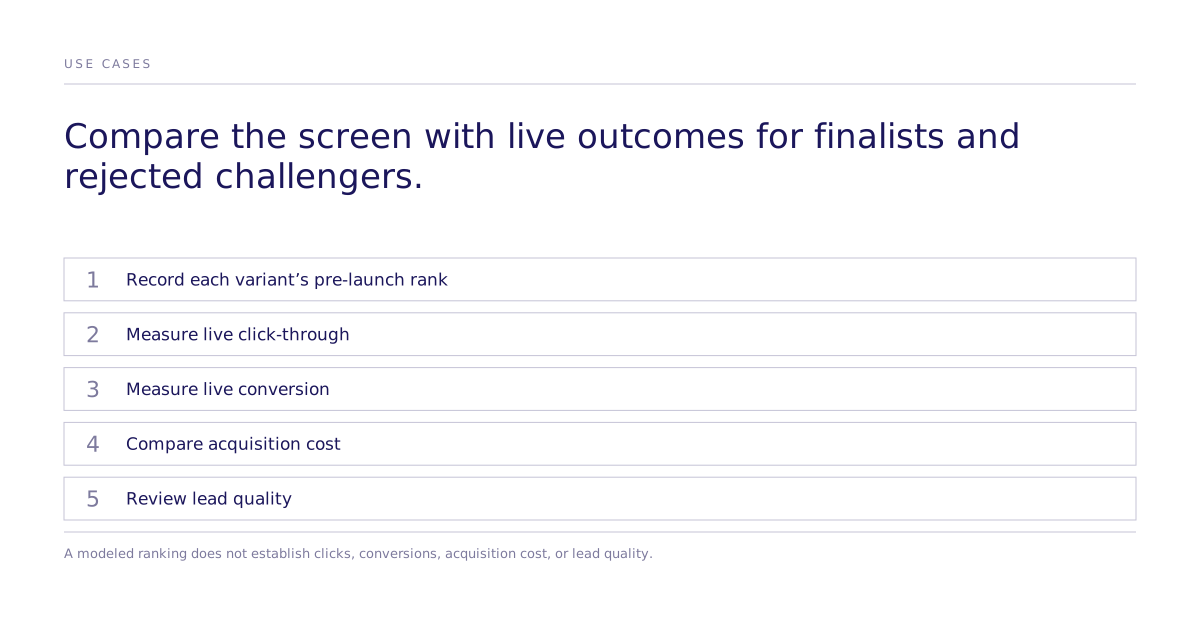
A pre-launch study can supply candidate ads for live evaluation when audience coverage, calibration, and the measured task fit. A modeled ranking does not establish actual clicks, conversions, or the best use of campaign spend.
What does a pre-launch experiment add?
Randomly assign creative alternatives within the defined audience and prespecify the generated-choice or human stated-intent endpoint, estimator, and supported uncertainty. Check order and carryover where respondents see more than one variant. Validation against actual ad engagement is separate from the within-task effect.
Live audience behavior, auction conditions, and platform delivery affect campaign performance. Use an appropriate assigned live test and record the actual exposure and outcomes; task preference does not reproduce the auction.
What to test before launch
Hooks
Compare the headlines meant to stop the target buyer while scrolling. Ask which behavior each hook is meant to change before testing the alternatives.
Message framing
Test whether the buyer responds to time savings, cost reduction, risk mitigation, or competitive advantage. Free-form explanations can help generate hypotheses, but a decision-specific comparison is needed before treating one frame as the stronger action.
Visual concepts
Compare a person using the product against a product screenshot, or serious, playful, aspirational, and functional treatments. Keep the offer and copy fixed if the goal is to isolate the visual.
Offer and call to action
Compare a free trial, a money-back guarantee, and a limited-time discount only when those are real options. Do not ask a simulated audience to choose an offer the business cannot actually support.
Define the buyer precisely
Define the audience for the actual campaign. For example, a VP of Marketing at a Series B SaaS company with 100–500 employees and purchasing responsibility is one possible segment. That narrower segment may omit relevant buyers, so justify its coverage rather than assuming more detail is always better.
Capture the variables that could plausibly affect the decision:
- Role, seniority, company size, stage, industry, geography, and team size
- Quarterly and annual goals
- Current pain and workarounds
- Evaluation criteria and common objections
- Professional information sources
- Buying process and trust signals
Define the audience to match the decision population. Narrowing can remove relevant buyers or weaken coverage, so verify calibration and usable information for each segment.
Connect pre-testing to the live campaign
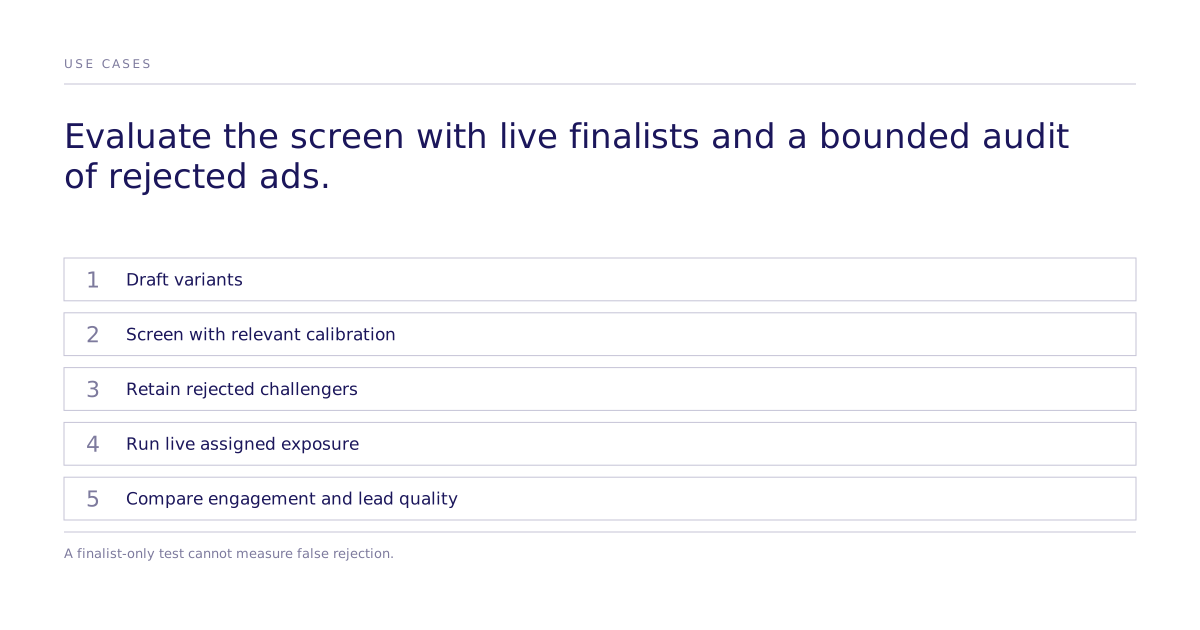
A workable sequence:
- Draft several copy and visual variants.
- Compare candidates in a pre-launch study with relevant calibration and uncertainty.
- Launch those candidates in a real A/B test on the platform.
- Review live outcomes and uncertainty; the test may not establish a winner.
- Return to a pre-launch experiment when live performance drops and a new round of creative is needed.
The pre-launch stage screens alternatives. The live stage measures real behavior under real auction and delivery conditions.
How do you measure whether the screen works?
Compare the pre-launch ranking with live clicks, conversions, acquisition cost, and lead quality. Include some rejected variants in a bounded audit; testing only finalists cannot reveal whether the screen discarded a winner.
Limitations
A pre-launch study supplies evidence within its tested task. Check the screen using relevant live outcomes, including a bounded audit of rejected variants. Review case studies, method evidence, or scope a specific campaign.