Validating a Deprecation Announcement Before It Ships
A product manager sunsetting a feature has one real question before it goes out: will the affected customers read this as a reasonable trade-off, or a reason to distrust the vendor.
What can the announcement change, and what requires a product decision?
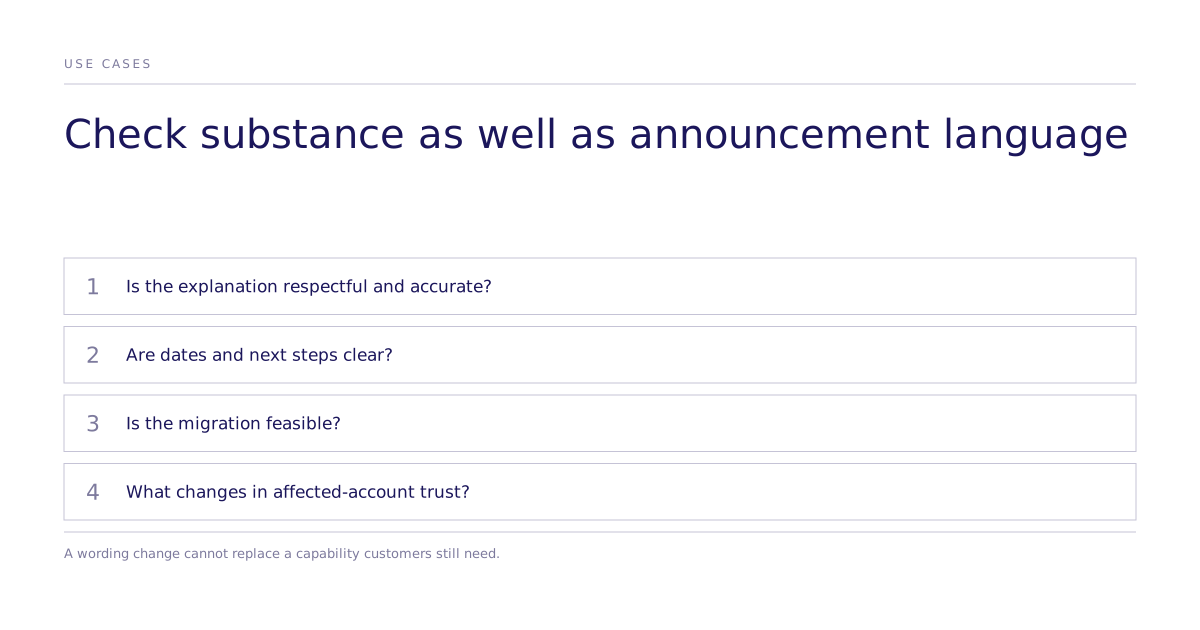
Removing a feature and communicating its removal can each harm customers. Test whether the migration is feasible and whether timing, next steps, and rationale are clear. Wording cannot repair a missing capability that customers still need.
The announcement is often finished the week it ships, reviewed by people who never used the feature, and sent without anyone outside the room testing how it lands.
Why is this worth testing before it ships?
Feature removal can affect customers who leave and those who remain. Treat later trust and renewal effects as questions to measure. LaunchNotes advises advance notice and transparency when announcing product changes; that guidance supplies no causal estimate of renewal harm.
A controlled experiment on the affected segment gives a team a read on that reaction before the announcement is public, while the draft can still be revised.
How does the test work?
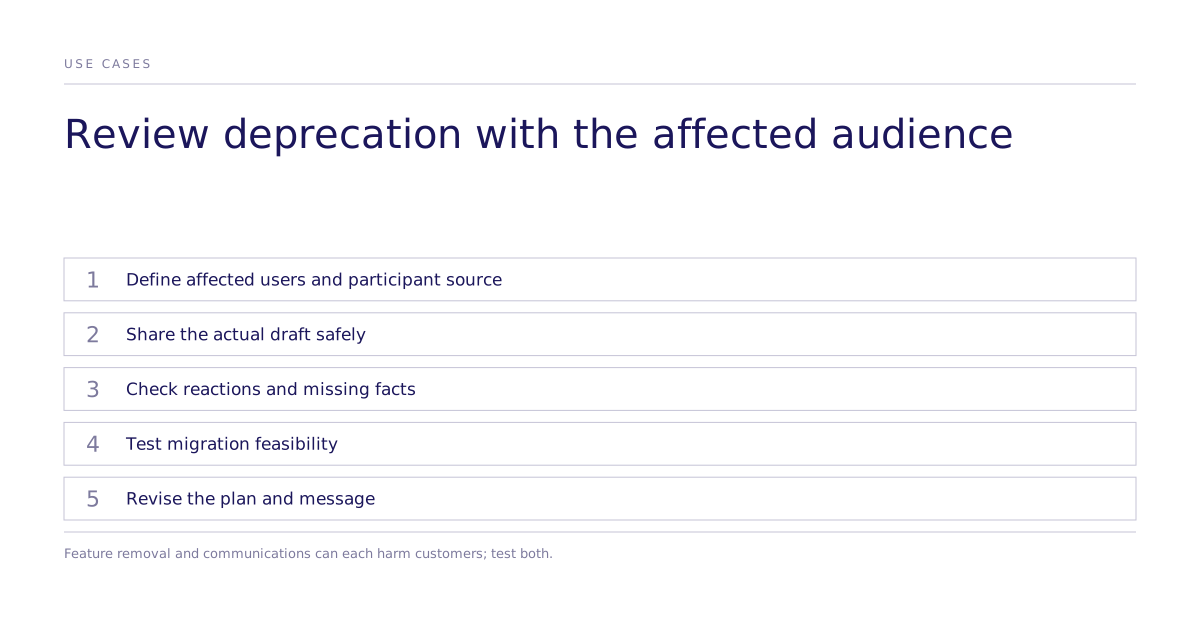
Name the participant source before reading the result. A simulated pretest can model profiles of report users or configuration admins, while recruited affected customers can confirm practical needs and migration constraints. Label generated reactions as modeled and handle usage data and draft material under appropriate confidentiality controls.
- Define the segment. Build the audience from job function, product usage depth, and tenure: the people the change touches, not a general population.
- Share the draft as written. Use the real copy, not a cleaned-up version.
- Ask for the reaction. First impression in one sentence, what feels missing, and whether the message changes how they see the product.
- Test the migration path, if there is one. Confirm the segment understands what to do next and whether the timeline reads as reasonable or rushed.
- Revise and check again. Compare modeled reactions to the revised draft, then confirm consequential comprehension and migration feasibility with affected accounts.
None of this replaces a legal or compliance reviewer's decision about the announcement's language, or a support team's direct conversations with affected accounts.
Three checks a draft should pass
- Does it read as dismissive? A single line that minimizes why customers used the feature can undercut the message.
- Is the next step clear? If a reader outside the drafting team cannot summarize what is happening and what they need to do in one sentence, the copy needs another pass.
- Which direction does trust move? Ask directly whether the message increases, decreases, or leaves trust unchanged. Any announcement that moves it down needs rework before it ships.
When the fix is not the wording
If customers depend on the feature, revising the announcement may be insufficient. Product Teacher’s deprecation guide recommends investigating dependencies before removal. Check affected-account evidence before changing the product plan.
Where this leaves the team
A structured reaction comparison gives the team evidence to discuss. A broad modeled objection remains provisional; check important needs and comprehension with affected accounts rather than treating the generated result as settled.
If your team has a deprecation planned, the next step is to see how the review runs, or read more about how a study like this gets structured before the draft goes out.